V720 Setup
Step 1/11
Back

Step 1 of 11

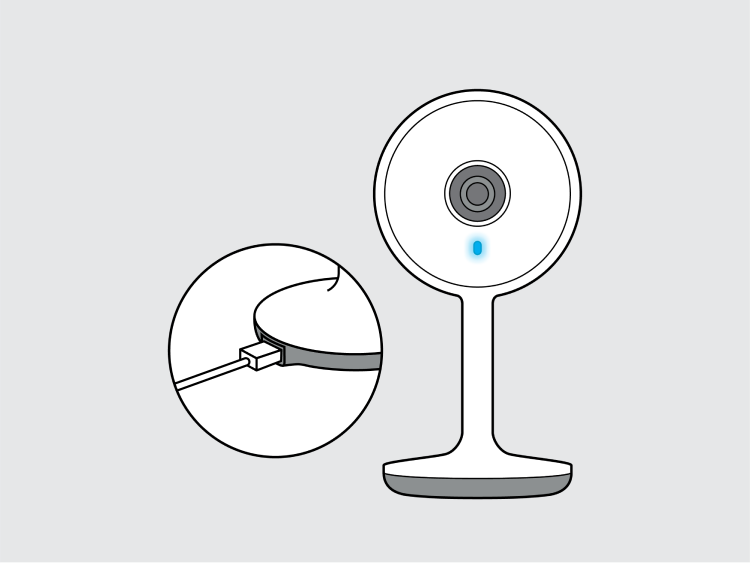
Power on the device

Plug in the adapter or insert a charged battery, then give the camera about thirty seconds to boot before checking the indicator light.

PWR Camera powering on

Connect the power cable directly to a wall outlet rather than a power strip while pairing — some cameras brown out on underpowered strips and restart mid-setup. Once it's powered, look at the small LED on the front of the device.

What the light means

Light patternStatus
Fast blinkReady to pair — continue below
Solid lightAlready connected to a network
Slow blinkBooting up, wait a few seconds
No lightCheck the power source or cable

If the light stays solid, the camera may already be paired to another account. Hold the reset button for 5–8 seconds to clear it and try again.

Yes, it's flashing quickly
The light isn't flashing