Start here
Set up your V720 camera
Pick the device you're installing. We'll walk you through power, network, storage and vision settings in about five minutes — no manual required.
- The device and its power adapter or cable
- A 2.4GHz Wi-Fi network — most V720-based cameras can't join 5GHz-only networks
- Your Wi-Fi password on hand
- A phone or tablet nearby to scan the QR code if one appears
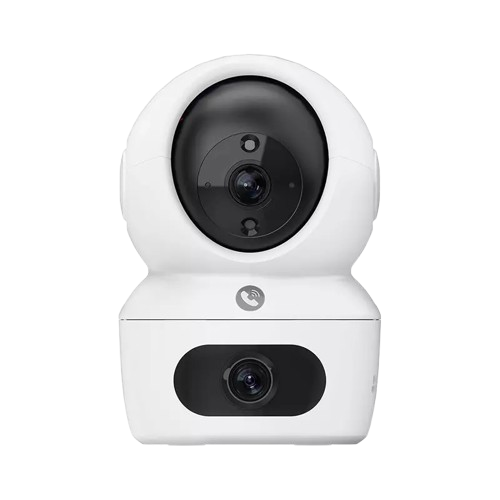
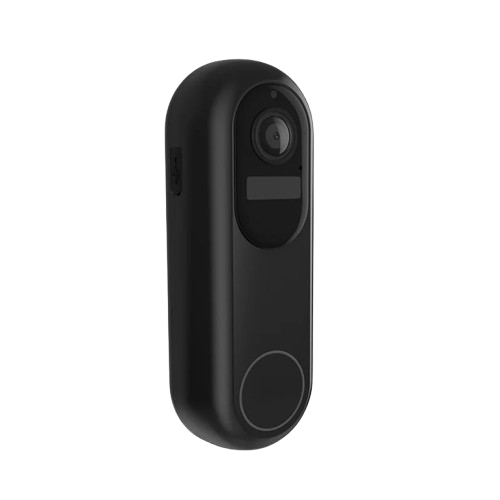
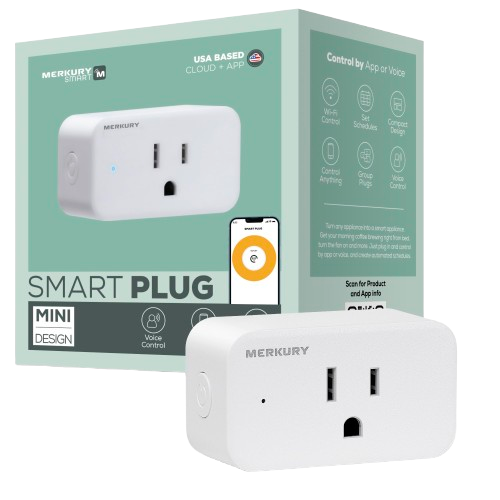
Choose your device
Common questions
Is this guide official?
No. This is an independent, plain-language walkthrough for V720-based Wi-Fi cameras and accessories, written to make first-time setup less confusing. It isn't affiliated with any manufacturer.
Does it matter which device I pick?
Not for this walkthrough — every V720-based device follows the same power, network and account steps. Picking one just personalizes the labels you'll see.
What if my device isn't listed?
Most budget Wi-Fi cameras sold under different brand names share the same underlying V720 firmware, so the steps here should still line up closely.